


Lily58 Pro Keyboard Kit
Lily58 Pro Keyboard Kit
Regular price
$90.00 AUD
Regular price
$0.00 AUD
Sale price
$90.00 AUD
Taxes included.
Shipping calculated at checkout.

Couldn't load pickup availability
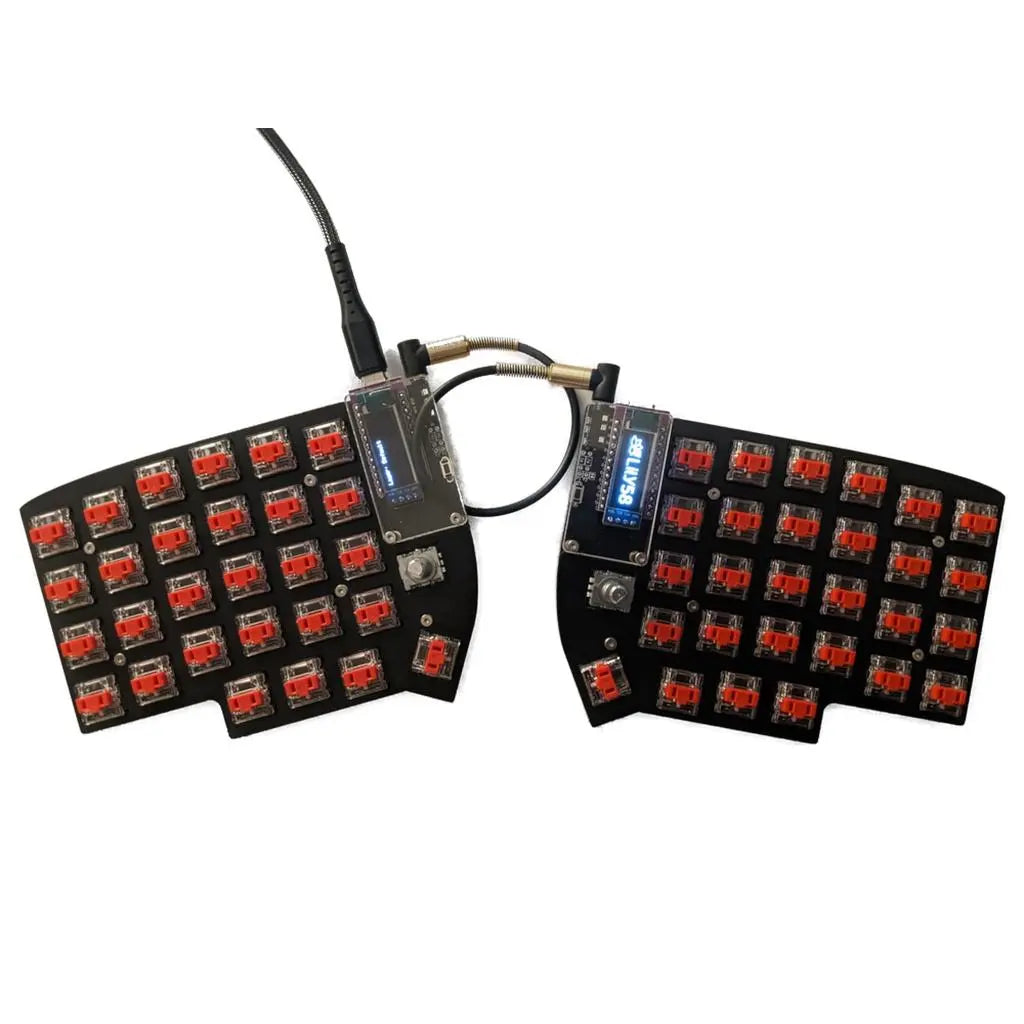
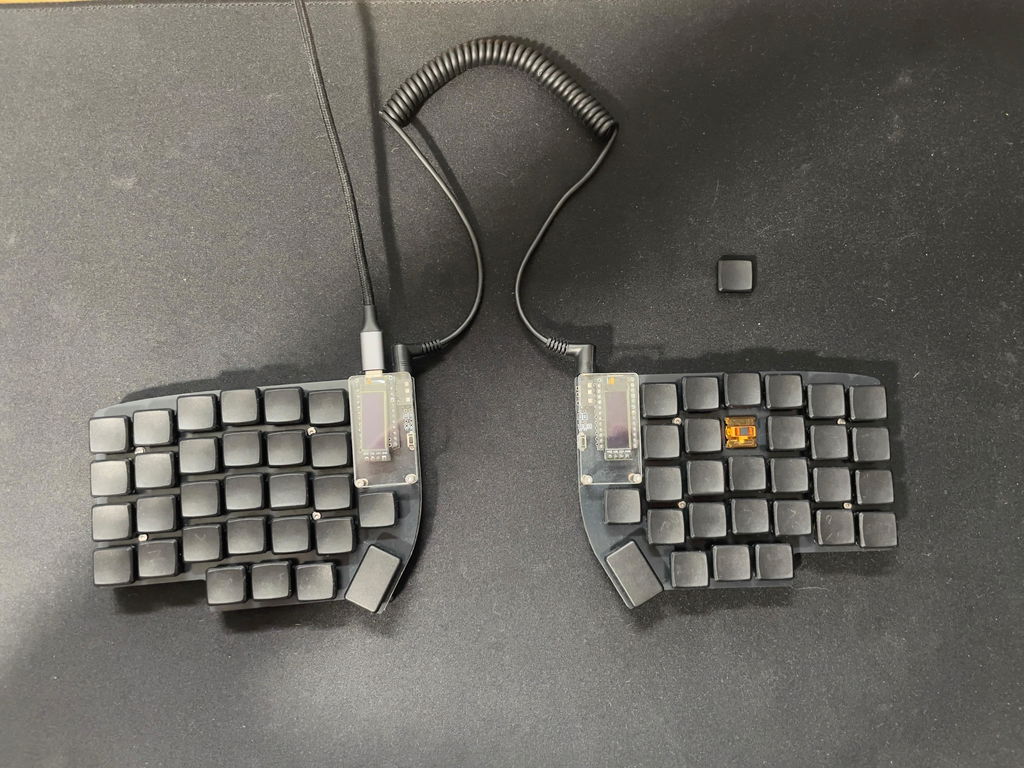
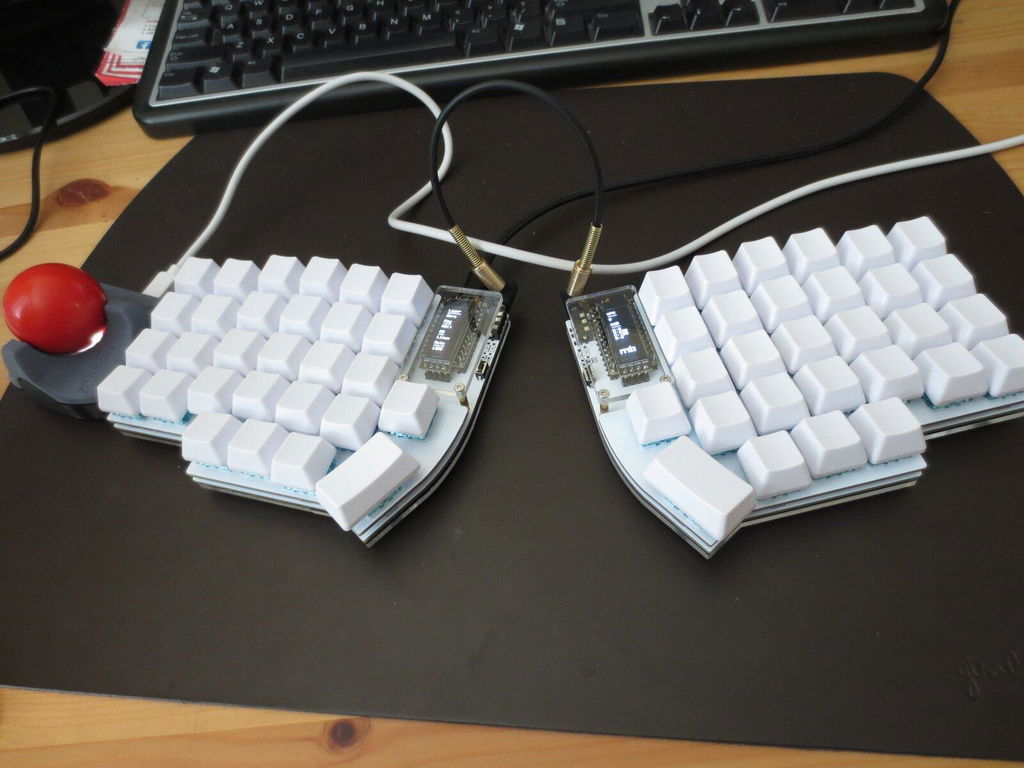
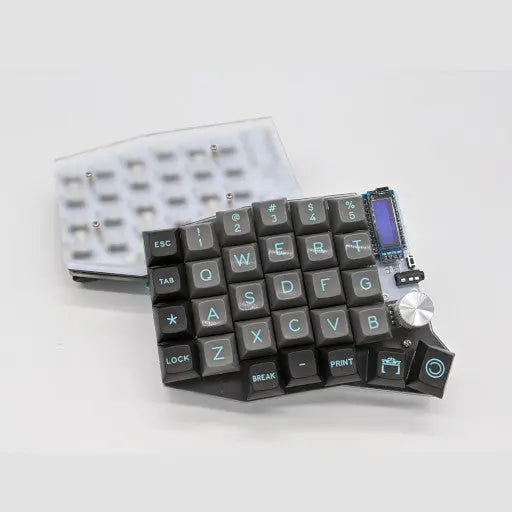
The Lily58 Pro/Pro RE keyboard is a 6×4+4keys column-staggered split keyboard.
Pro = MX/Choc Switch Support
Pro RE = Rotary Encoder Support
Precompiled firmware can be found here.
Kit Includes
Pro = MX/Choc Switch Support
Pro RE = Rotary Encoder Support
Precompiled firmware can be found here.
Kit Includes
2 x Lily58 Pro OR Pro RE PCBs
2 x Lily58 Pro FR4 Switch Plates
2 x Acrylic Bottom Plates
2 x Acrylic OLED Covers
1 x TRS Cable
2 x TRRS Jacks
2 x 3x6 Tactile Switches
2 x OLED Displays
4 x 10mm Brass Standoffs
10 x 7mm Brass Standoffs (MX Normal Profile) OR 5mm Brass Standoffs (Choc Low Profile)
58 x Kailh Hotswap Sockets (MX Normal Profile) OR Choc Low Profile Sockets (Choc Low Profile)
58 x Diodes (SMD)
28 x Screws
8 x Rubber Feet
Required to Complete
Required to Complete
2 x Pro Micro Controllers (Headers to Direct Attach)
56 x Switches
1-2 x EC11 Encoders
1-2 x Encoder Knobs
2 x EZ-Solder Headers (Enable Controller Hot Swap)
2 x 4Pin Header Socket (Enable Display Hot Swap)
Build Instructions
2 x 4Pin Header Socket (Enable Display Hot Swap)
Build Instructions
Lily58 Pro Build Guide
This keyboard is designed originally by Naoki Katahira and modified to create the Pro RE by Ergohaven
This keyboard is designed originally by Naoki Katahira and modified to create the Pro RE by Ergohaven