
Model H USB Controller Upgrade (IBM Model M)
Stock notification
Get an email when this product is back in stock.
We respect your privacy and don't share your email with anybody.
Couldn't load pickup availability
Thanks to QMK, the keyboard is fully programmable. It ships with a DFU-style bootloader, which can be programmed over USB.
Features
- Non-destructive upgrade - just swap the boards
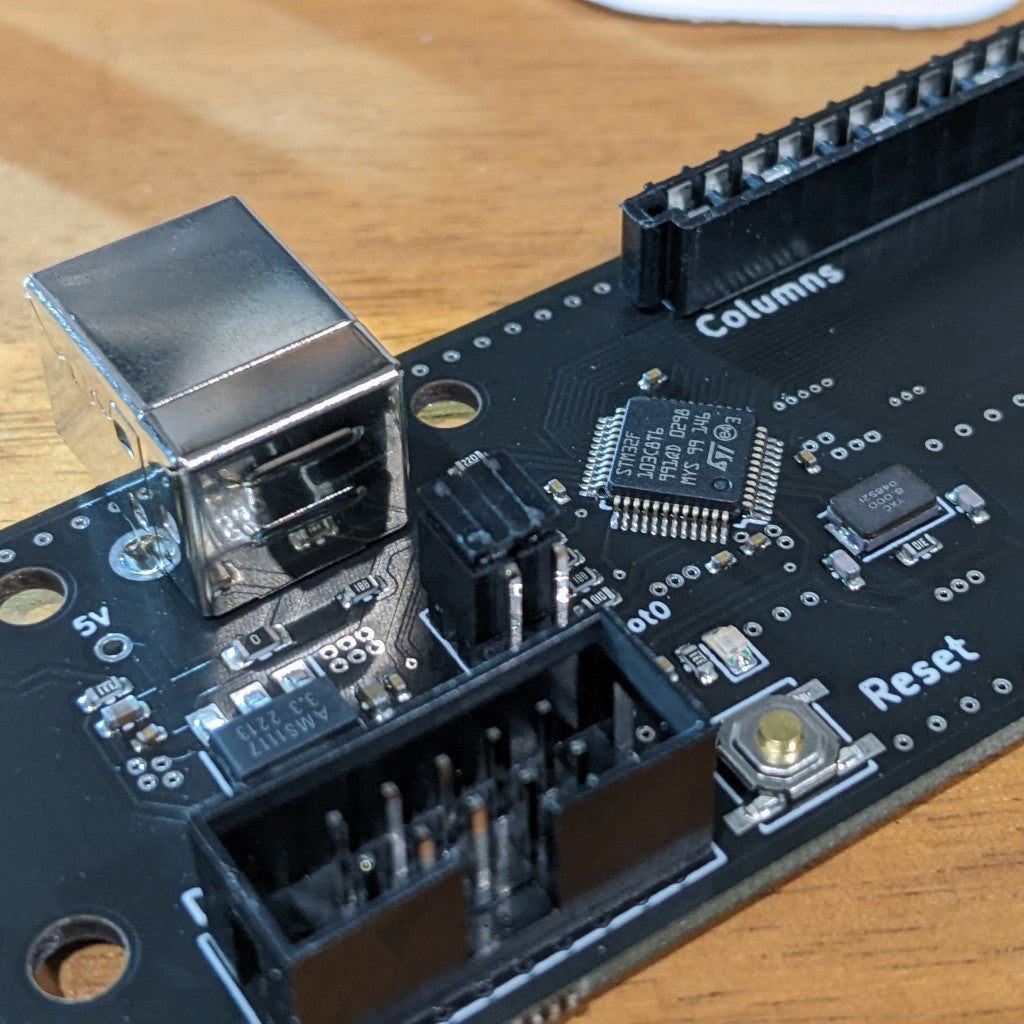
- Native USB (with type B connector), no adapter required
- Doesn't require original controller
- STM32 ARM Processor @ 72MHz with 64kb flash
- Remappable keys (using QMK configurator)
- Uses open source QMK firmware
- Lower power (50 mA typical)
- Genuine "TE Connectivity Trio-mate" connectors, as used on the original Model M
- Model H QMK Firmware Source
Includes
Compatibility
Created by John Hawthorn
Share

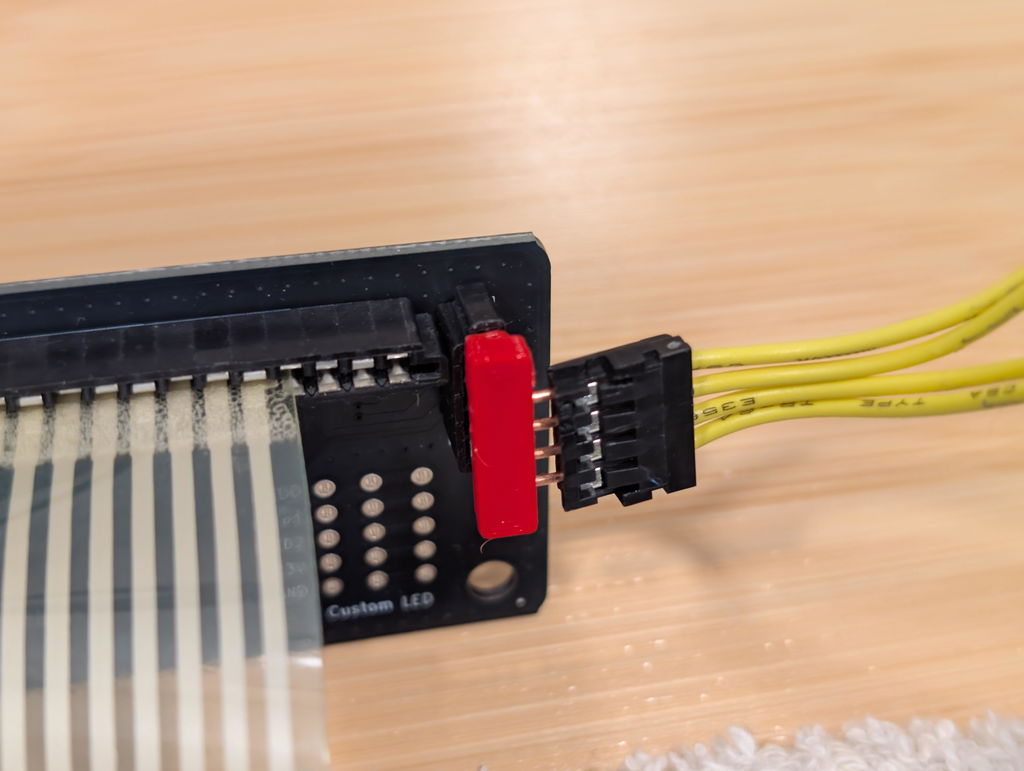
Arrived in UK within two weeks of order, well packed. As shipped it assumes an ANSI layout so needs reconfiguration with QMK or VIAL, pretty straightforward with the binary VIAL firmware at https://github.com/jberclaz/modelh/releases flashed to the board using dfu-util followed by reconfiguration in VIAL to add mappings for the missing ISO keys (add these via the "Layout" tab in VIAL). If you have the separate LED cable then this enters, maybe counter-intuitively, from the "top" of the board. Very happy and now working smoothly across multiple machines via a KVM switch, which the original IBM board + adaptor never handled properly.
This is a super upgrade for a great line of keyboards. I replaced the PCB in the M Keyboard with Model H USB interface. It just worked and so much better than the PS2 to USB inline adapters. If you own an M keyboard, do this today!
In total i ordered 3 Model H's with KeeBD, all working as it was intended to be.
Shipping was very fast, coming from Australia it takes some time to come to Europe though.
All good, will definitely order again as i have this Model M restoring fetish :-)
I purchased the Model H for my IBM Model M keyboard and, after a little back and forth and a bad USB hub, it's works great! Man did I miss those old buckling springs.
I don't live in Australia, so from the moment the item was shipped (very quickly), until I got to the point of installing it (right now), about 3 months have passed...
Tip: 5.5mm hex socket driver that is narrow enough to go through the keyboard's mounting screws holes are not easy to find in some countries.
Replacing the older board with this one seemed to be trivial at first but then I noticed that my keyboard only has 8 connectors in one of the cables, whereas as the board's has 12 (see attached photo)... so, should I connect my cable to the right or to the left?
I gambled on the left and, when I connected it to my laptop (via USB), its plug-and-play automatically identified it and configured Windows (10) for it. But... when I started typing letters (a, s, d, f, etc.), only spaces and tabs resulted in the editor.
I then had the hunch of "maybe I need to reboot or power off my laptop completely"... I turned off my laptop, waited a few seconds, powered it on and, sure enough, my IBM Model M keyboard works beautifully over USB.
Thank you to whoever came up with this product.